
Separate the garment size from the artwork size
For a Canadian clothing brand planning a graphic tee drop, the garment pattern and the printed image are separate approval decisions. A larger body does not tell the printer whether the graphic should become larger. The buyer needs to state whether the desired consistency is a constant physical print or a similar visual proportion on different bodies.
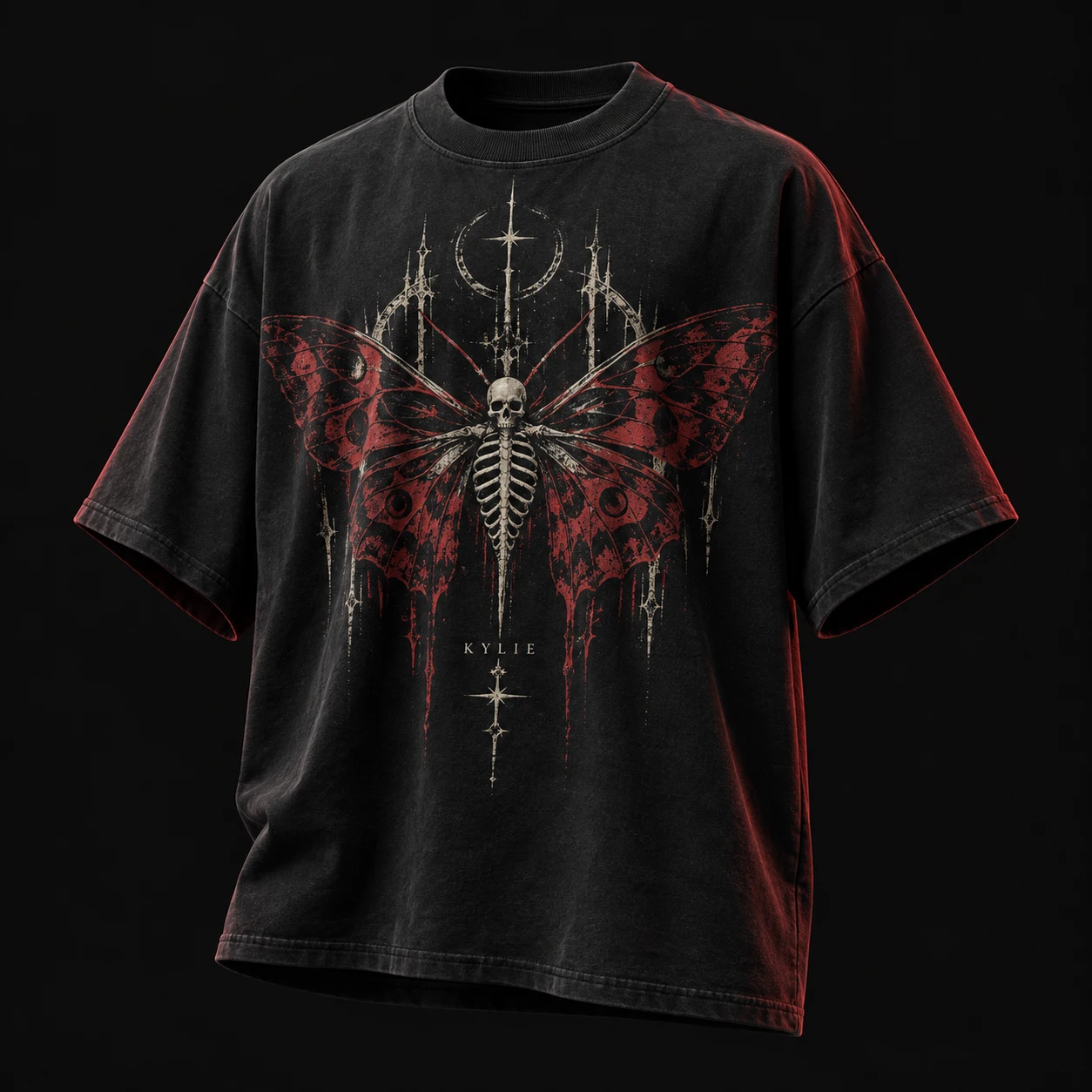
AS Colour describes its Heavy Tee 5080 as a relaxed, boxy tee with dropped shoulders and side seams, and lists several decoration options. This is a first-party product example, not evidence of rising Canadian demand or a specification for Kylie. It illustrates why a silhouette reference and a decoration decision belong in the same conversation.
Our recommendation is to approve the underlying tee shape first. Record the style and pattern revision, size names and agreed body measurements. Then make a separate artwork decision for that shape. The existing boxy-tee guide covers the fit brief; this worksheet focuses on which image file and physical print dimensions belong to each garment size.
Sources: AS Colour
Choose a fixed print or named size groups
A fixed-size approach uses the same specified artwork dimensions across the listed sizes. A grouped approach assigns different approved dimensions to named groups. Neither should be presented as universally better. Compare how each option meets the brand's intended look, the garment's available area and the supplier's proposed production process.
Make two actual-size paper layouts as an early visual exercise, clearly marked as previews rather than print samples. Place them on representative garments from the intended size run. Compare the smallest and largest relevant bodies as well as the main sample size. This can reveal a layout question before decoration, but paper does not establish the finished print's colour, feel or detail.
Ask the supplier to identify any production constraints before choosing groups. Record which sizes belong to each group without gaps or overlaps. If the size range changes later, assign the added sizes deliberately; do not let an unlisted size inherit an artwork file because its name seems close to another.
Control proportions when files are resized
Adobe's Illustrator documentation distinguishes scaling with proportions maintained from changing width and height separately. It also provides a separate control for scaling strokes and size-related effects. These are software controls, not proof that a resized file is printable or that Kylie uses a particular design application.
Buyer application: ask the artwork preparer to record the finished width and height for each approved revision. Check whether the design was scaled proportionally and whether strokes or effects changed with it. Review lettering, borders and fine details on the resulting output rather than relying on a percentage written in a message.
Keep every production file tied to its size group and colourway. A useful file record includes the design code, revision, dimensions, units and approved garment sizes. Supply a readable preview alongside the production artwork and ask the printer to confirm the files it will actually use. Retire superseded versions from the release package.
Sources: Adobe
Name the placement reference for each view
Proposed worksheet fields are: garment size, artwork group, file revision, print width, print height, garment reference point, placement measurement, orientation and approval state. Create separate rows for front, back and sleeves when applicable. State whether a dimension locates the visible printed edge or the file boundary, since surrounding empty space can otherwise confuse the instruction.
For a centred front graphic, name the centre reference and the agreed vertical measuring point. Have the sample maker confirm how that point is found on the finished garment. Identify the units on the drawing; if the team uses both centimetres and inches, agree one controlling value and document the conversion.
Consider a hypothetical back graphic that looks balanced on the middle sample but crowded on the smallest tee. The buyer might revise only that size group's graphic, or reconsider the whole scale plan. Record the chosen correction and its placement together. Changing image width without reviewing height and position can leave the approval incomplete.
Check the decorated garment, not just the file
CottonWorks explains that textile preparation varies with fibre, yarn and fabric construction, and that print formulation depends on the fabric, colourant system and machinery. Its overview supports identifying the proposed material and process. It does not establish a universal printable detail size or a guarantee for a particular garment.
Our recommendation is to request a decoration sample on the intended fabric and review representative size groups. Check the visible outline, lettering, placement and relation to the neckline, side seams and hem against the release matrix. Assess the garment worn as intended as well as flat, recording which sizes were actually reviewed.
Keep print appearance approval separate from care-performance approval. The existing graphic-tee wash guide addresses the latter. If fabric, artwork scale, ink system or process changes, discuss which sample checks need repeating instead of assuming the old approval covers the revision. No physical print test is claimed in this article.
Sources: CottonWorks / Cotton Incorporated
Release one complete size-to-artwork matrix
Before production authority, reconcile the garment quantities by size with the artwork groups. Every ordered size should resolve to an approved file and placement instruction. Name the person who can accept a revision and retain the accepted physical references with the final matrix. Keep unresolved layouts out of the approved release package.
Send Kylie Industry the tee references, size breakdown, artwork files, proposed grouping and destination when requesting development. Ask for the sample scope, feasibility, pricing and schedule for that defined brief. Do not infer costs or timing from the number of artwork groups alone. The useful outcome is a shared record that identifies exactly what should appear on each size.
Continue your brief
Research and sources
This guide combines published source material with practical specification recommendations. It is not a physical test of the products mentioned. Product examples are references, not endorsements or affiliations.
- Heavy Tee 5080 — AS Colour. Checked 2026-10-27.
- Scale objects — Adobe. Checked 2026-10-27.
- Printing Process — CottonWorks / Cotton Incorporated. Checked 2026-10-27.